Mystery / Observation
Near Miss
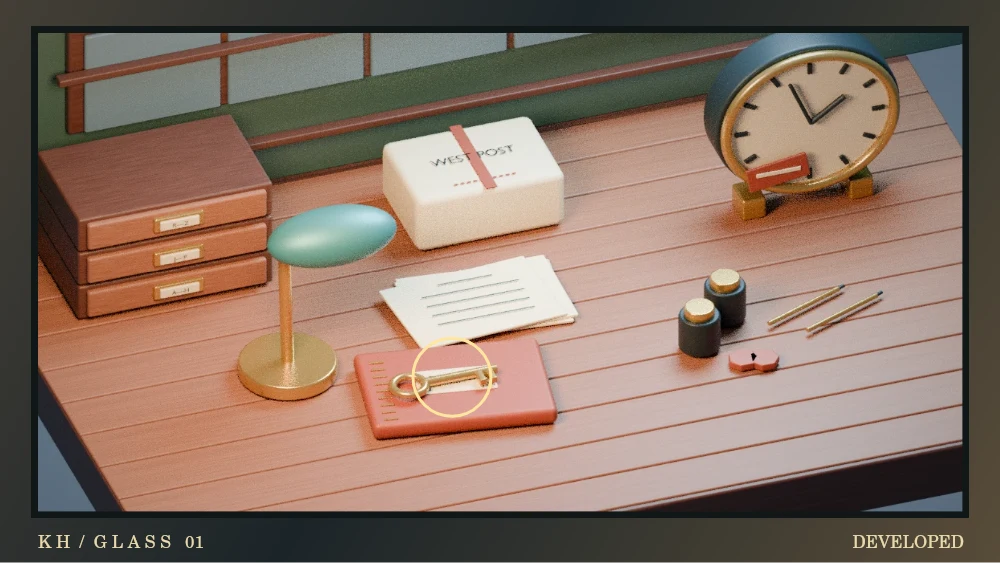
Glass Negative. Slide the rows and columns to restore a broken photograph. Inspect the restored scene to find the missing evidence.
Three fictional cases
Play Near Miss ↗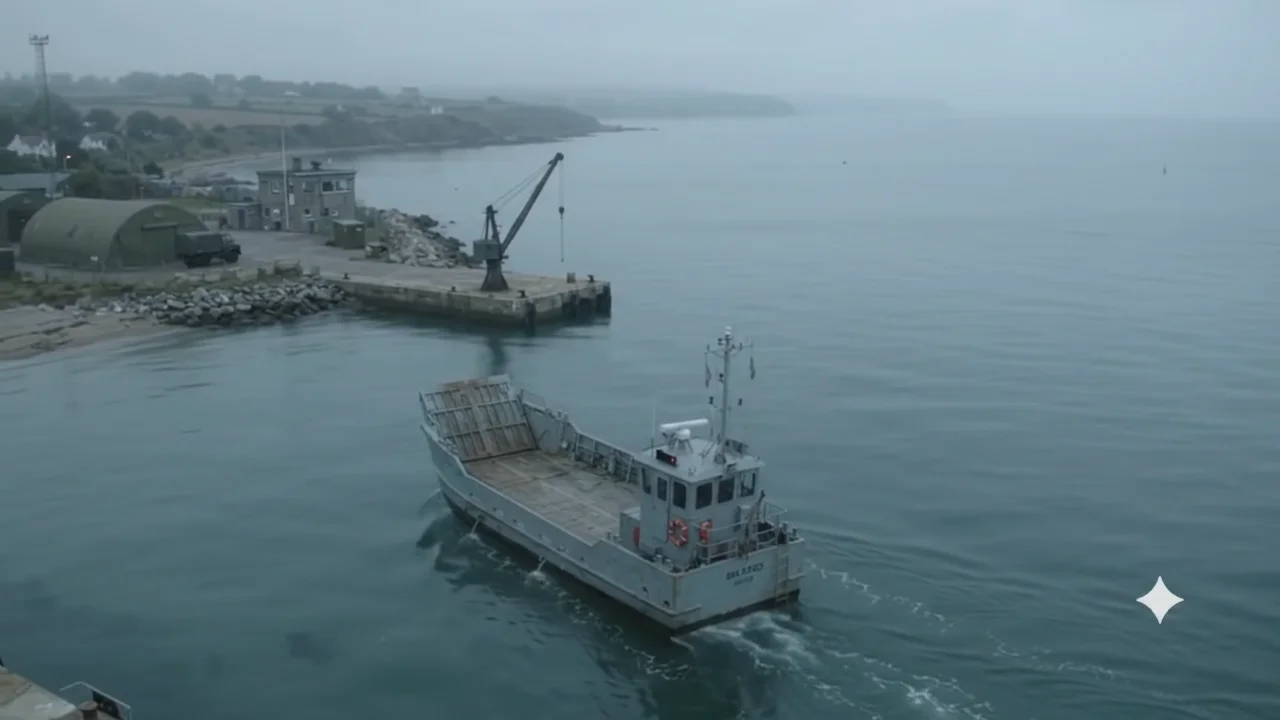
Games & creative studio · Ages 13+
Choose a Windows strategy game, play a browser puzzle or make a drawing in Spark Studio.
Windows v1 · Single-player strategy
Your first headquarters arrives on wheels.
Pick a stretch of coast, send out a scout and keep the supply trucks moving while a rival commander builds beyond the fog. Start with Coastal Skirmish. Build a barracks, set a rally point for your next squad and leave room by the water for a shipyard.
Free on Windows, with optional tips.
Extract the whole ZIP, then open BattlegroupSeaLines.exe.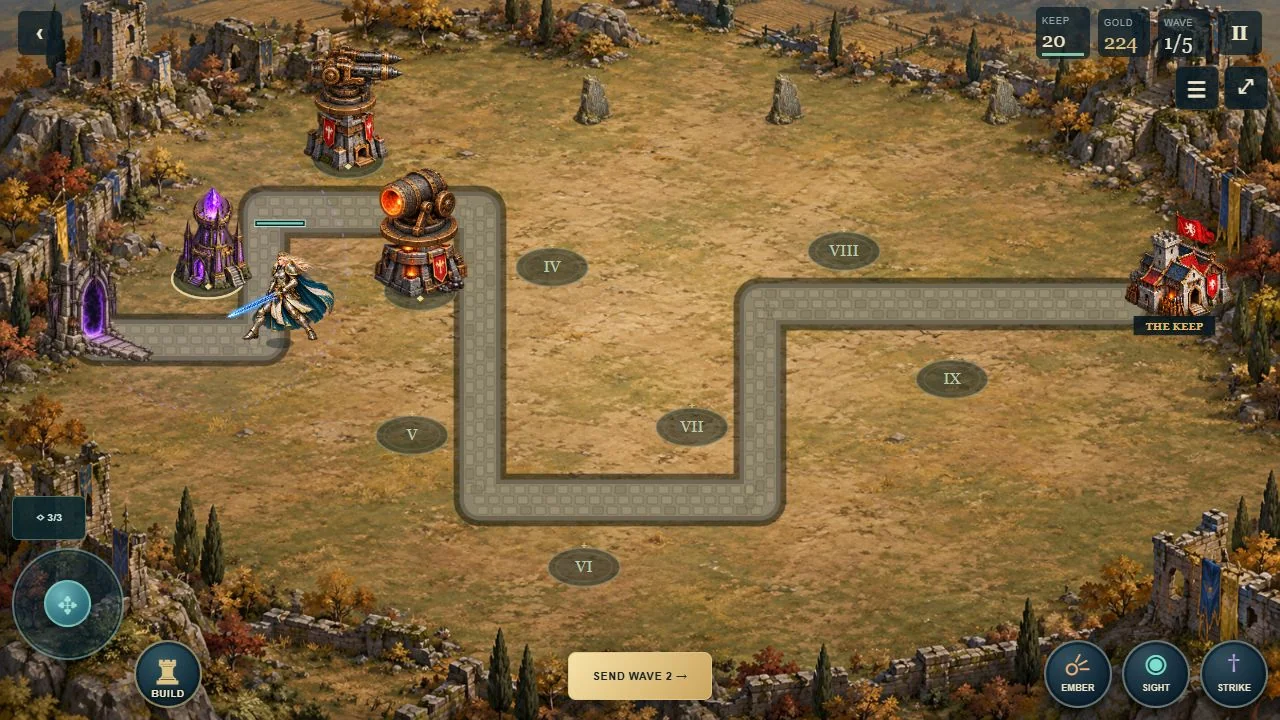
Also in the Arcade · In Development
Build your defences. Command the Warden. Hold the gate.
Try one stage and five waves free in your browser. Choose from six tower orders and move the Warden where she is needed.
Full desktop edition: US$1.99 · Five worlds, 25 stages.
Desktop recommended. Phone-control testing is ongoing.
A Knowhubs game, made with AI-assisted coding and original AI-generated artwork.
Mystery / Observation
Glass Negative. Slide the rows and columns to restore a broken photograph. Inspect the restored scene to find the missing evidence.
Three fictional cases
Play Near Miss ↗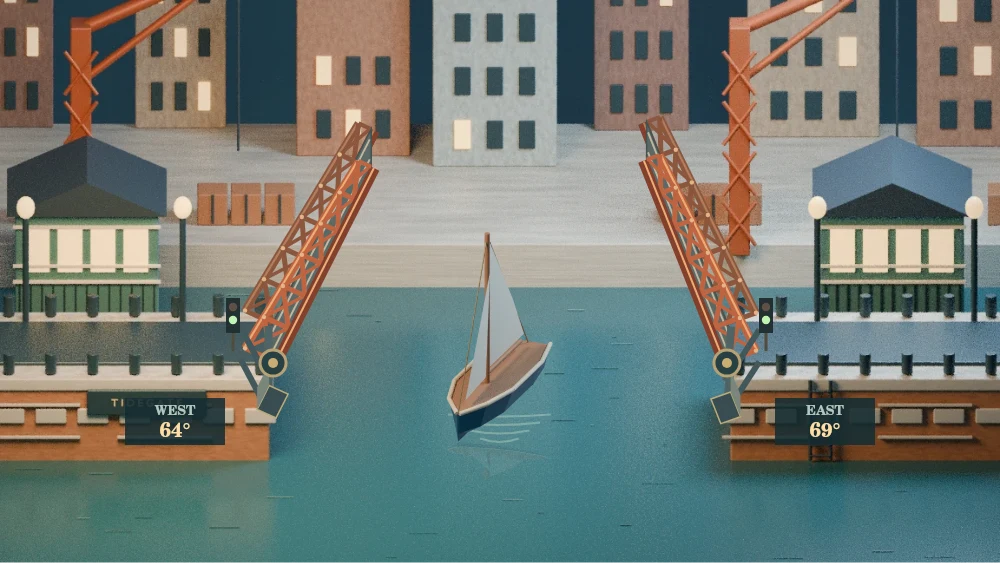
Engineering / Drawbridge
Tidegate. Shift the counterweights, raise both leaves for a ship and bring the deck level for the next tram.
Three traffic watches
Play Bridge Works ↗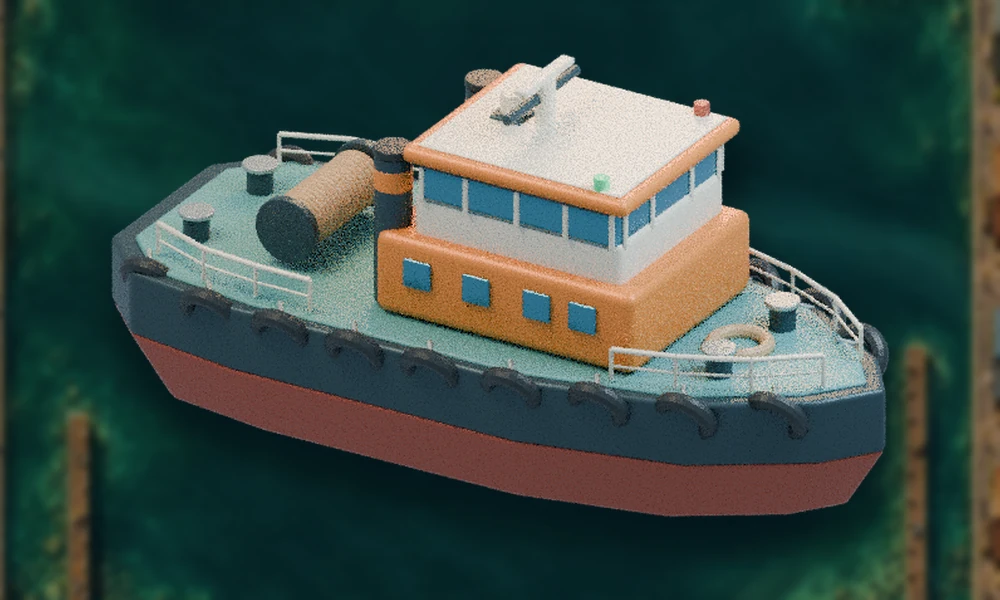
Simulation / Harbour tug
Northstar Towline. Take a laden barge through the buoy gates, watch for the crosswash and shorten the towline for a tighter turn.
Three tow contracts
Play Port Boss ↗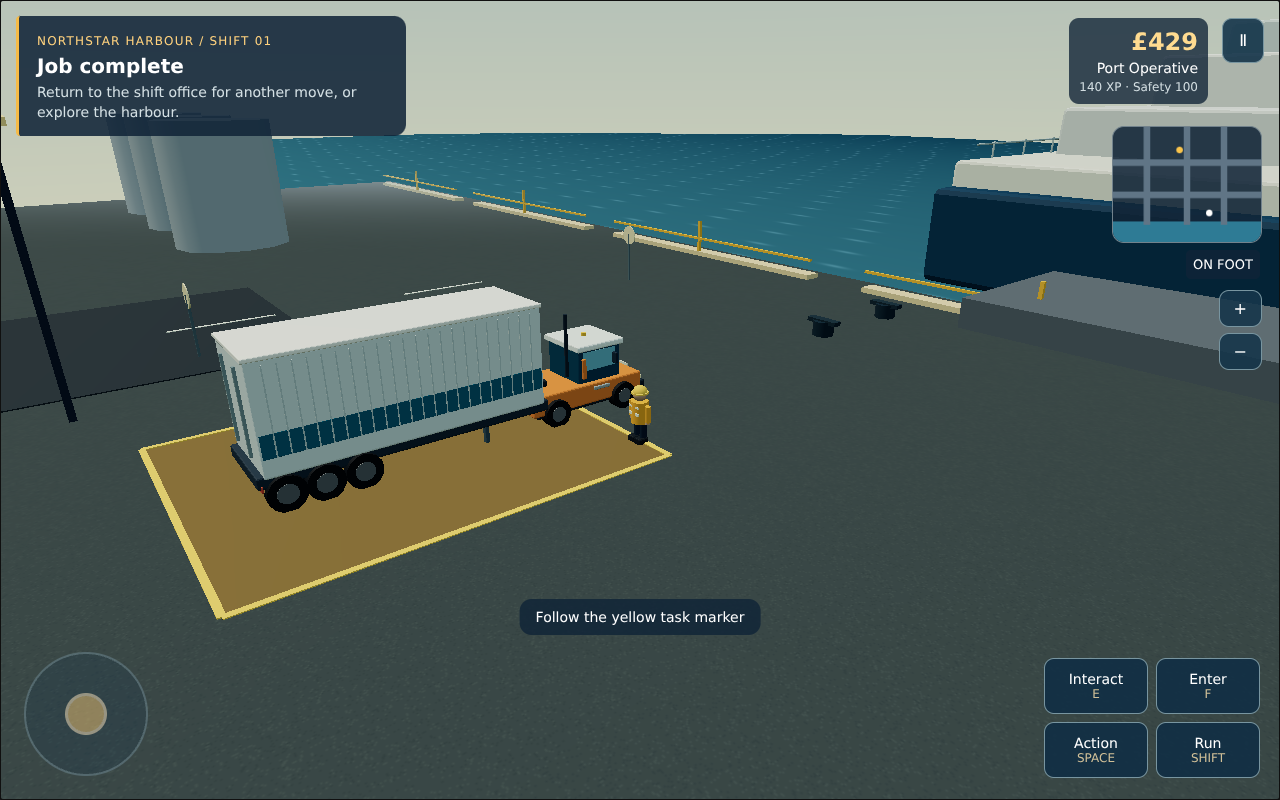 Open the freight yard ↗
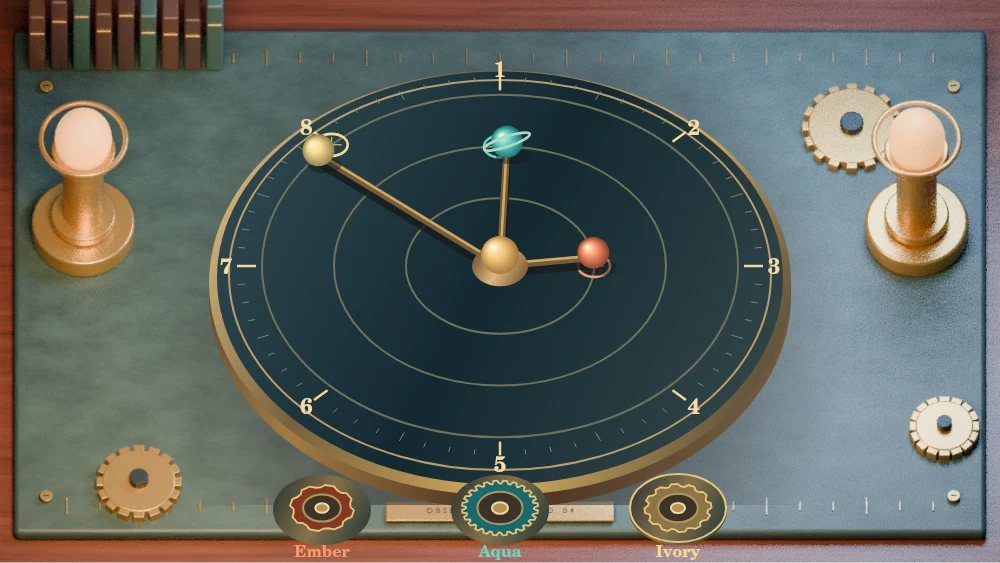
Engineering / Gear puzzle
The Orrery. Fit drive wheels and reversing idlers to a brass orrery. Turn the handle and bring the planets into their charted windows.
Four alignment charts
Play Gear Shift ↗Spark Studio is free, with no account, uploads, adverts or purchases.
Knowhubs Play / Creative lab / Ages 13+
Choose a colour, then draw or add a stamp.
Tab to the canvas. Arrow keys move the cursor; hold Shift for bigger steps. Press Enter or Space to place a stamp. With Draw selected, press Enter to start, use arrows to draw, then Enter or Escape to stop. Tab leaves the canvas.
Your work stays in this page until you close or reload it. Save an image to keep it.
Experimental lab / 13+
Raised strokes and extruded stamps—not automatic character reconstruction, separate moving limbs or a 3D-print-ready solid. Up to 120 marks per model.
Your 3D model will appear here.
Draw first, then convert your lines and stamps into real geometry.
Compare Front view with Side view to see how your lines gain depth. These views pause motion for inspection. Drag to rotate. Buttons work with touch or keyboard. Make 3D again after editing. Save image above exports your original 2D drawing only.
Place a mark at x = 150 on this 800-unit canvas. Its reflected position is x = 650. Build a motif that breaks symmetry with exactly one extra mark.
Design a symbol using negative space. Make 3D and turn it sideways: which details remain legible, and which disappear?
Compare a thin stroke and a thick stroke. Predict the 3D result before converting. Describe what changed—and what the conversion cannot infer.